Reorder
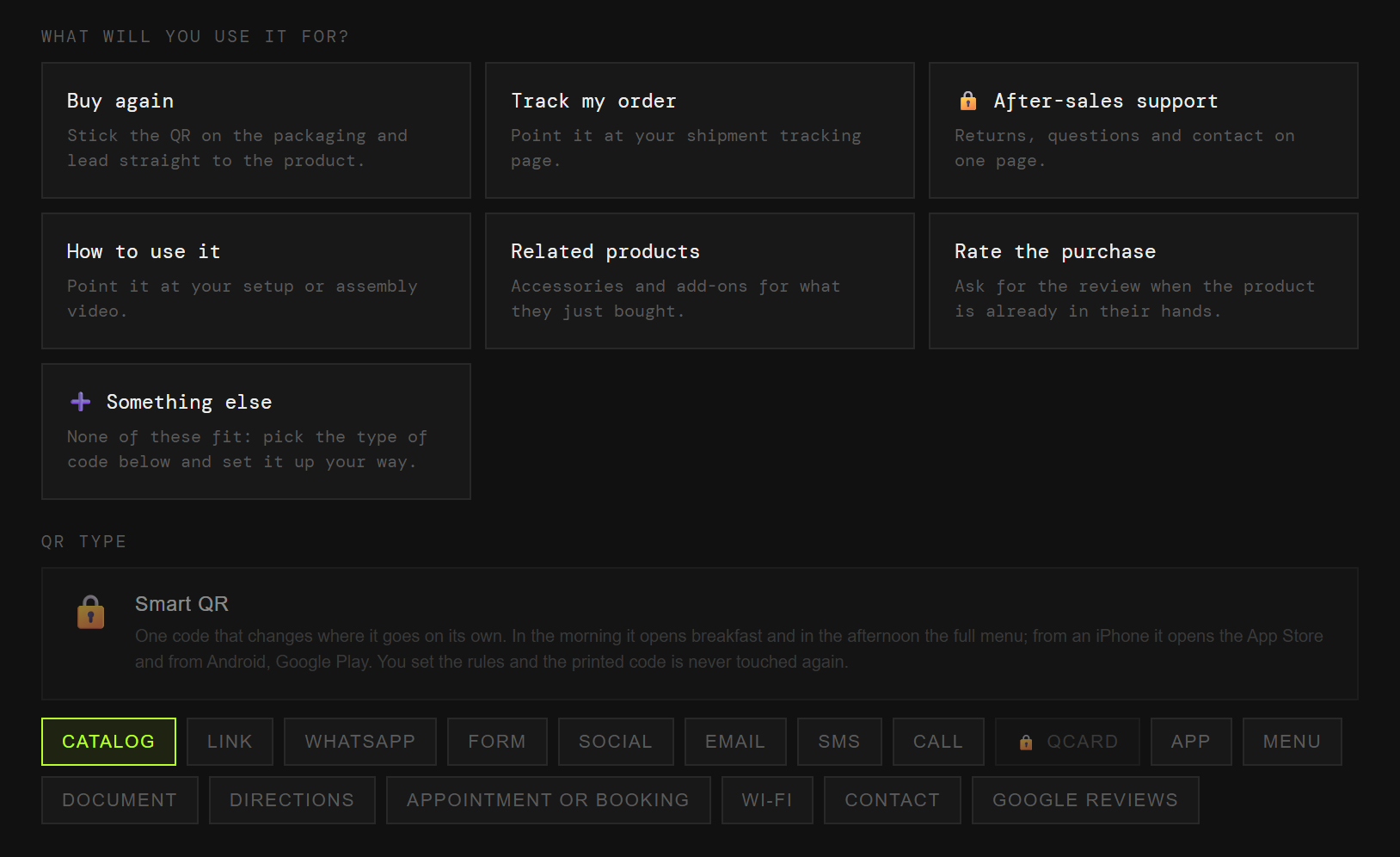
The basket with what they already bought, one scan from the parcel.
Esta página también está en español.
The box arrives at their house. It is the only ad of yours they open happily.
A code on the packing slip leads to a reorder, to tracking, or to help.

On the packing slip, on the box, on the thank-you card. Each one with its own code and its own numbers.
The basket with what they already bought, one scan from the parcel.
Straight to tracking, and it saves you the "where is it?" email.
WhatsApp or a form, before they write the one-star review.
A video or a PDF you can improve without reprinting boxes.
What goes with the thing they just bought.
At the moment the box opens, which is when the enthusiasm is.
You print a thousand packing slips with a code and a month later you change courier, tracking page or promotion. Those thousand slips are now wrong.
And you never learn how many people used it, because it does not pass through anywhere that could count.
The code points at QRlify and QRlify points wherever you say. Change the destination whenever you like and whatever you printed still works.
And because every scan passes through here, it can be counted.
How many scan the parcel and what they do next. That shows whether the card inside the box is worth what it costs to print.
The day-by-day and per-campaign detail starts on the Starter plan. The scan count is on every plan.
Pick «Businesses and organisations» and then «E-commerce and online selling». That is enough for us to know what to offer, so you never choose between eighteen types of code.
Reorder, tracking, support, instructions, related items or ratings. Each one arrives with its field ready.
Two colours and, on a paid plan, your logo in the middle. Black on white also works, and scans just as well.
PNG or SVG, at whatever size you need. From then on, anything that changes you change from the dashboard.
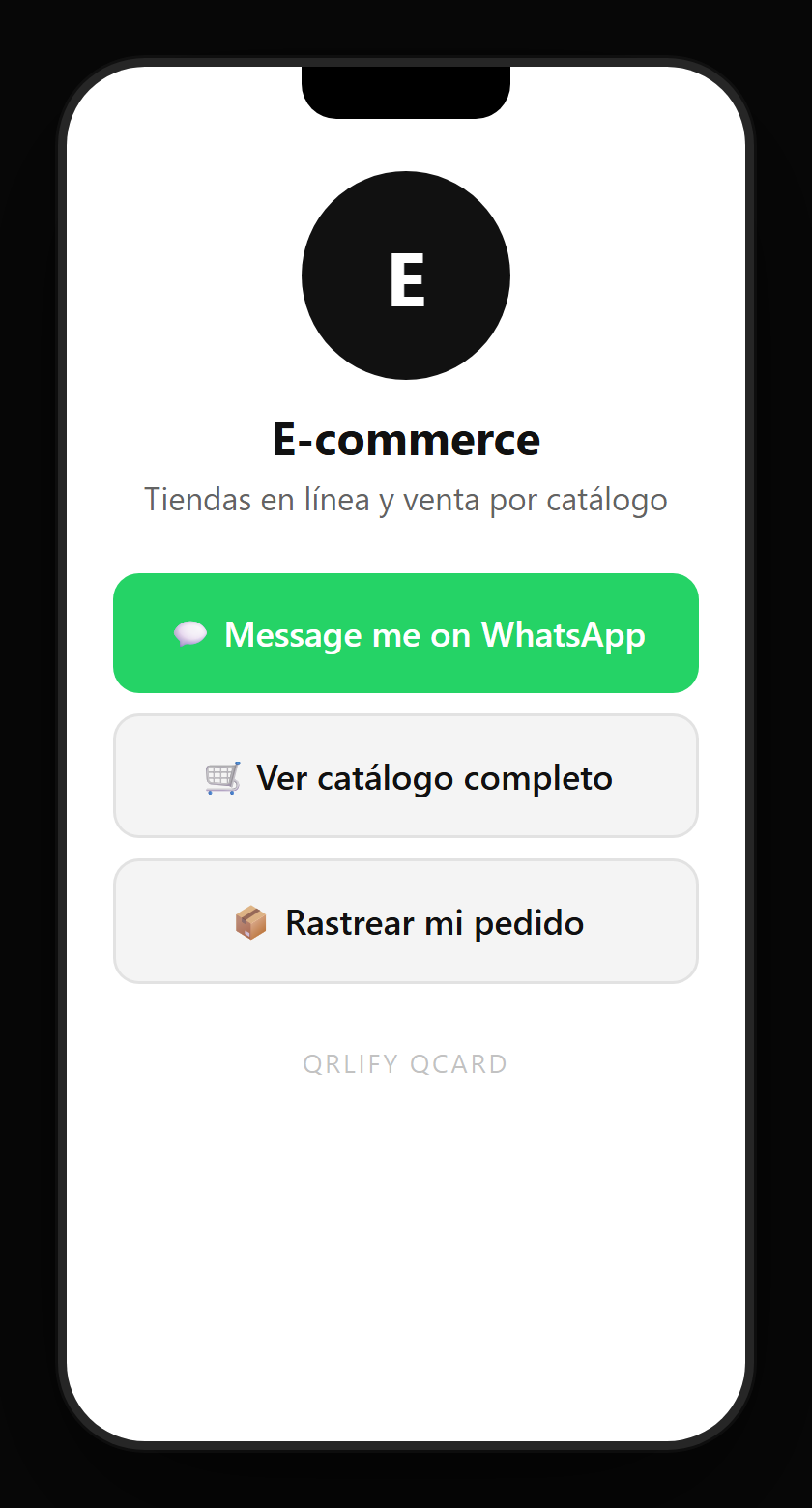
A QR code leads to one place. A QCard is a page of yours with several buttons: track the order, support, the instructions, the reorder and the socials.
You point a single code at that page and change the buttons whenever you like. So the card you put in the box still works when you change courier or run a new promotion.