Esta página también está en español.

WhatsApp

WhatsApp QR code

They scan it and the chat opens with the message already written.

Which removes the hardest part of writing to a business: working out how to start.

QR code that opens the QRlify generator
Scan it — it is a real one
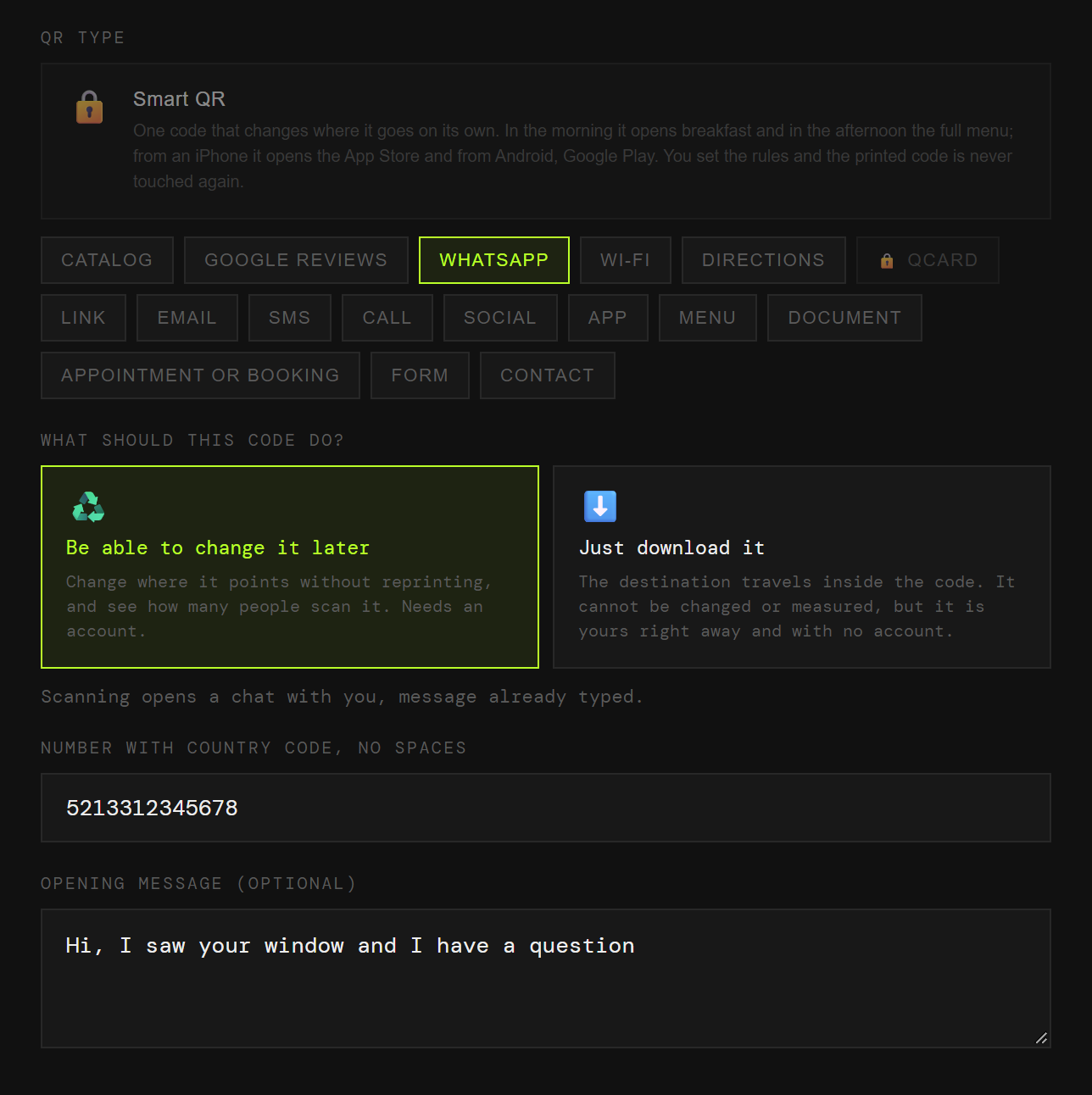
The QRlify generator with the WhatsApp type picked, the number filled in and an opening message written
The number, and the message they will send you without typing it.
The part people miss

The message is not a detail. It is the whole point.

A code that opens an empty chat gets abandoned. One that opens with a sentence already written does not.

An empty chat

They have to work out what to say

The chat opens, the cursor blinks, and a good share of people close it. Writing to a business cold is more effort than it looks.

And when a message does arrive, you have no idea which poster sent it.

A chat with a message

They only have to press send

«Hi, I saw your window and I have a question.» The sentence is already there. All they do is send it.

And because you write that sentence, it tells you where they came from.

Where to put it

Six places where it works

Use a different message in each one and the message becomes your tracking.

01

The shop window

Closed at eight in the evening and somebody still writes to you.

02

The counter

For whoever would rather write than queue to ask.

03

The parcel box

Support in one scan, before the one-star review.

04

A flyer

With its own message, so you know the flyer worked and not the poster.

05

A trade show stand

A conversation that carries on after the show closes.

06

A vehicle

Bigger than a phone number, and nobody has to memorise it at a red light.

How it is done

One minute, two fields

You pick «WhatsApp»

Among the code types, with its fields already set up.

You enter the number

With the country code and no spaces. The generator builds the link; you do not need to know the wa.me format.

You write the opening message

Optional, and the thing that makes the difference. Write a different one per placement and you will know which one brings conversations.

You download it

PNG for screens, SVG to print at any size without it looking pixelated.

A page, not a link

If WhatsApp is not the only thing, use a QCard

A QCard is a page of yours that gathers several buttons: WhatsApp, the catalogue, the location, the reviews and the socials.

You point a single code at that page and change the buttons whenever you like. The number changes and nothing printed is wasted.
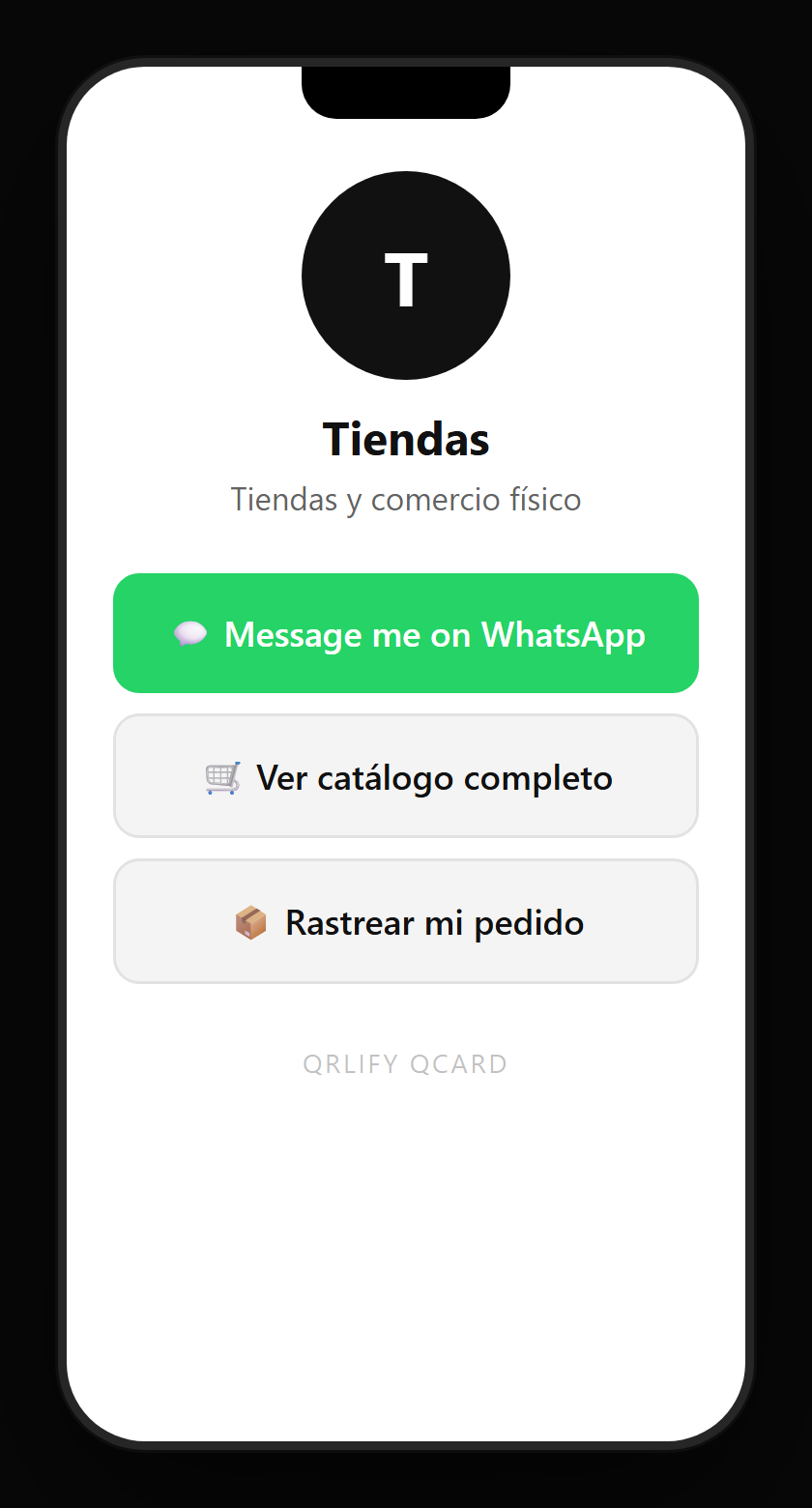
A retail QCard on a phone: name, description and buttons to the catalogue, the sales WhatsApp, the store list and the reviews
Questions

What people usually ask

It saves the person the hardest part, which is working out what to write. And it tells you where they came from: if the window code says «I saw your window» and the flyer says something else, you know which one brought them.
Yes, if the code is dynamic. You change the destination from the dashboard and everything printed keeps working. With a static code the number travels inside it, so a change means reprinting.
Yes. The code opens a chat with whatever number you put in, whether it is a personal account or a Business one.
WhatsApp’s code adds you as a contact and cannot carry a message or be measured. This one opens the chat with the message already typed, and if it is dynamic every scan is counted.
Country code, no spaces and no plus sign. The generator cleans it up and builds the link, so you do not have to remember the wa.me format.

They scan. The chat is already written.

No credit card. Ready in thirty seconds.

Also useful