Extended catalogue
The colours and sizes that do not fit in the window.
Esta página también está en español.
The window has a limit. The label with a code does not.
Every colour, every size and this week’s coupon, behind the same sticker.

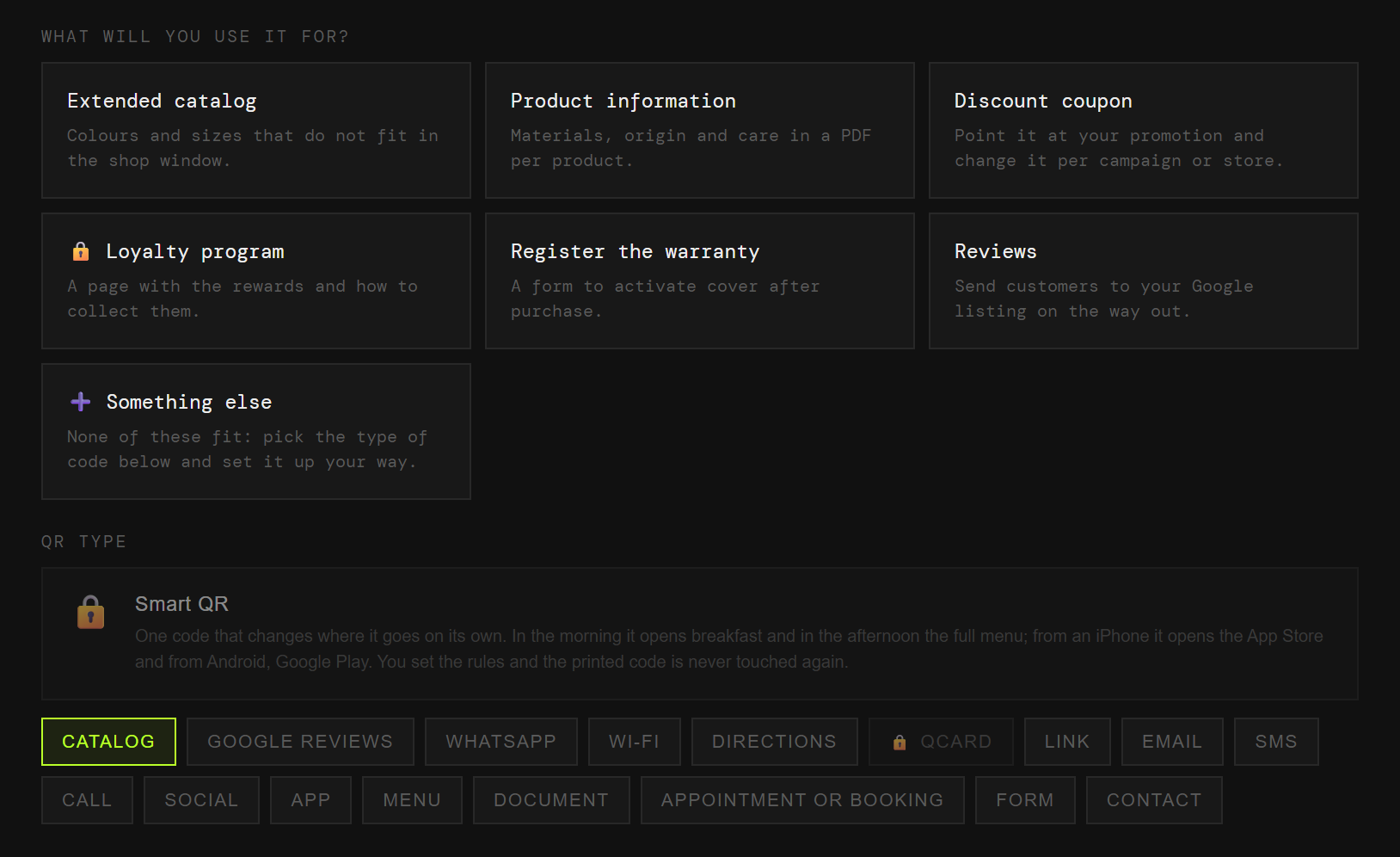
The catalogue in the window, the details on the label, the coupon in the bag. Each one with its own code and its own numbers.
The colours and sizes that do not fit in the window.
Materials, origin and care, in a PDF per product.
You change the offer per campaign or per store, without touching the label.
A page with the rewards and how to collect them.
A form that activates the cover after the sale.
On the receipt or the bag, while the purchase is still fresh.
The day the promotion ends, you switch supplier or you refresh the catalogue, that code is dead. Labels, bags and window displays all get reprinted.
And you never learn how many people used it, because it does not pass through anywhere that could count.
The code points at QRlify and QRlify points wherever you say. Change the destination whenever you like and whatever you printed still works.
And because every scan passes through here, it can be counted.
How many scans, on which days and in which store. That shows which window works and whether anyone actually uses the coupon in the bag.
The day-by-day and per-campaign detail starts on the Starter plan. The scan count is on every plan.
Pick «Businesses and organisations» and then «Shops and retail». That is enough for us to know what to offer, so you never choose between eighteen types of code.
Catalogue, product details, coupon, loyalty, warranty or reviews. Each one arrives with its field ready.
Two colours and, on a paid plan, your logo in the middle. Black on white also works, and scans just as well.
PNG or SVG, at whatever size you need. From then on, anything that changes you change from the dashboard.
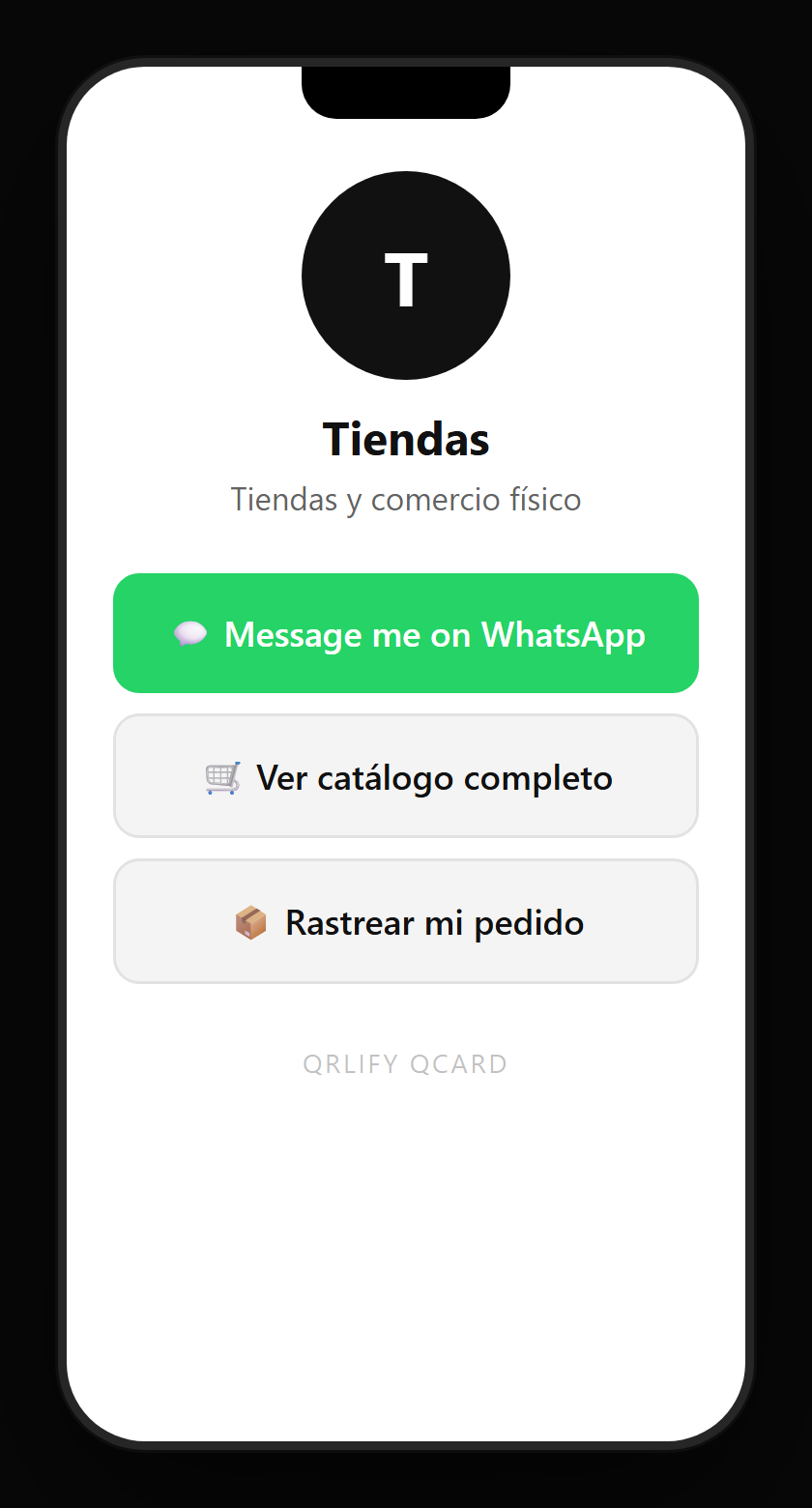
A QR code leads to one place. A QCard is a page of yours with several buttons: the catalogue, the sales WhatsApp, the store list, this month’s coupon and the socials.
You point a single code at that page and change the buttons whenever you like. The seasonal promotion comes and goes without reprinting a single bag.
No credit card. Ready in thirty seconds.