Admissions
Requirements, dates and the form. It changes every year; the poster does not.
Esta página también está en español.
The same poster works for next year.
Admissions, materials, calendar and attendance, updated without printing again.

On the noticeboard, on the classroom door, on the admissions leaflet. Each one with its own code and its own numbers.
Requirements, dates and the form. It changes every year; the poster does not.
One code per building for whoever is here for the first time.
They scan on the way in and it is recorded, without calling the register.
Readings and exercises, on the classroom door.
Exams and holidays, on a page you correct in a minute.
The group’s opinion without handing out paper.
Every year the dates, the requirements and the calendar change. With a plain code, each change is a fresh print run of leaflets and posters.
And you never learn how many people used it, because it does not pass through anywhere that could count.
The code points at QRlify and QRlify points wherever you say. Change the destination whenever you like and whatever you printed still works.
And because every scan passes through here, it can be counted.
How many scans, and on which dates. That shows whether the admissions leaflet at the education fair moves anything, or whether what works is the board by the entrance.
The day-by-day and per-campaign detail starts on the Starter plan. The scan count is on every plan.
Pick «Businesses and organisations» and then «Schools and universities». That is enough for us to know what to offer, so you never choose between eighteen types of code.
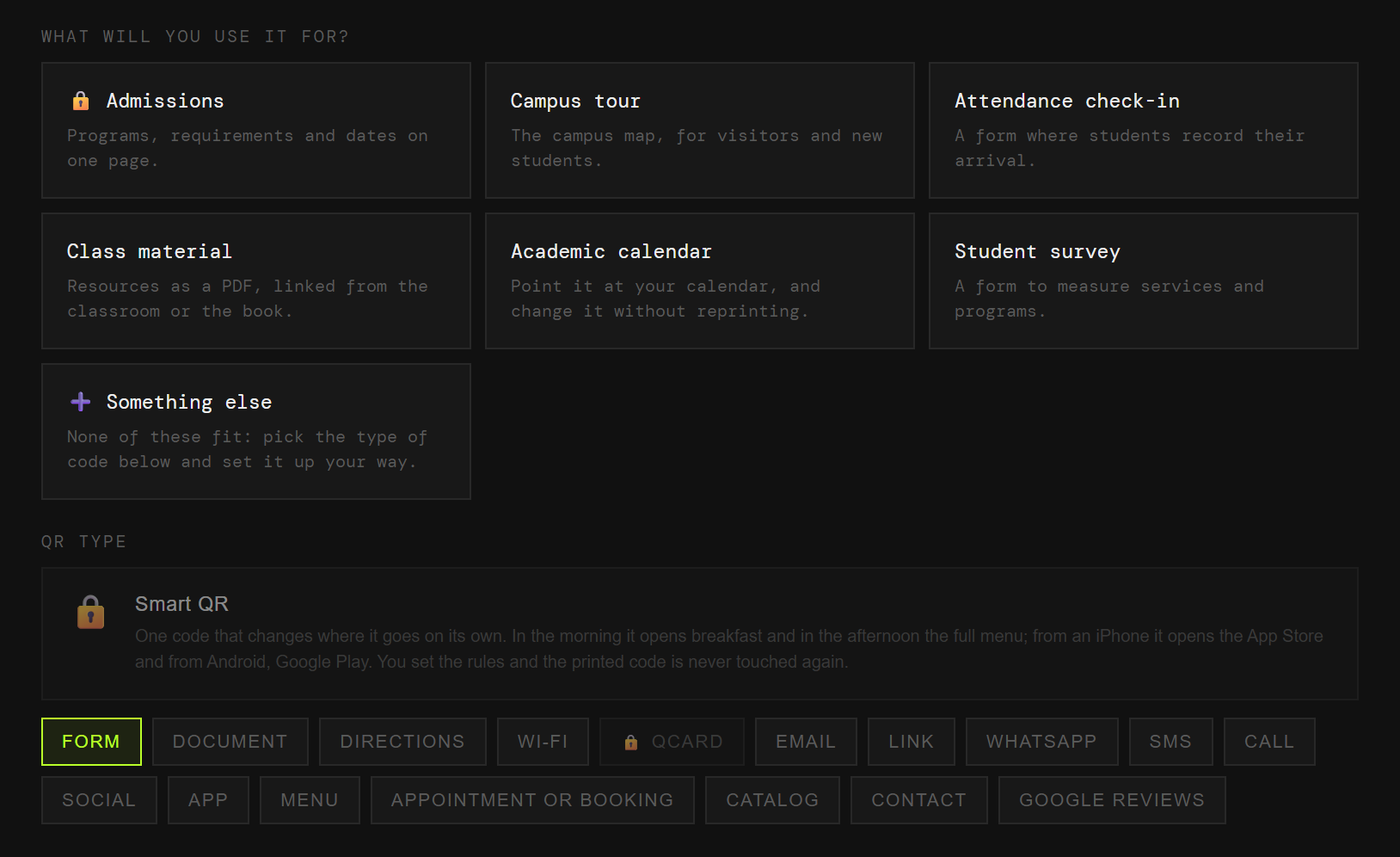
Admissions, campus tour, attendance, materials, calendar or surveys. Each one arrives with its field ready.
Two colours and, on a paid plan, your logo in the middle. Black on white also works, and scans just as well.
PNG or SVG, at whatever size you need. From then on, anything that changes you change from the dashboard.
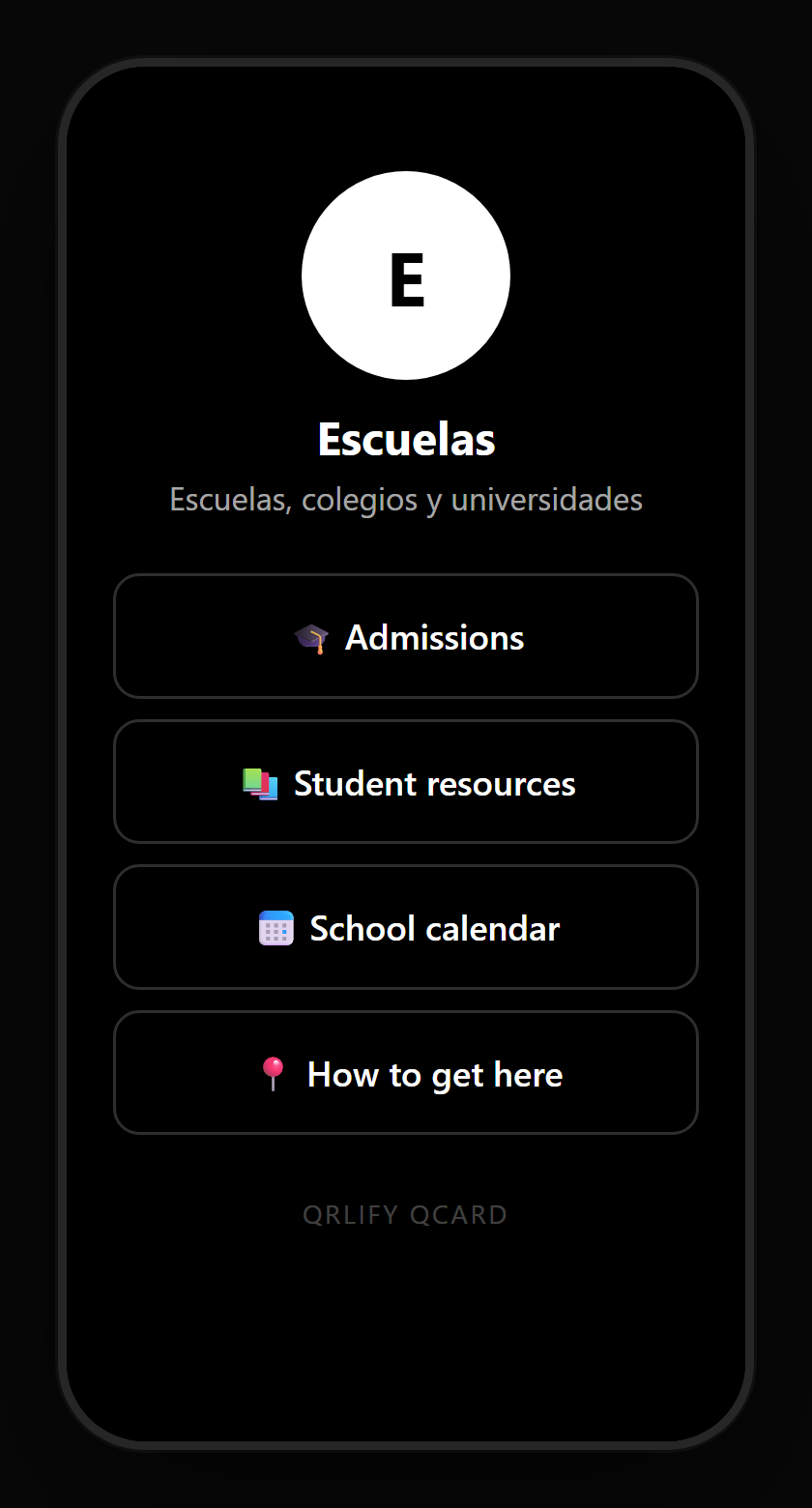
A QR code leads to one place. A QCard is a page of yours with several buttons: admissions, the calendar, the materials, the office contact and the school’s socials.
You point a single code at that page and change the buttons whenever you like. Next year arrives without reprinting the poster at the entrance.
No credit card. Ready in thirty seconds.