Buy tickets
From the poster to the checkout, without typing an address by hand.
Esta página también está en español.
The programme changes the night before. The poster does not.
Tickets, registration, times and directions, editable until a minute before.

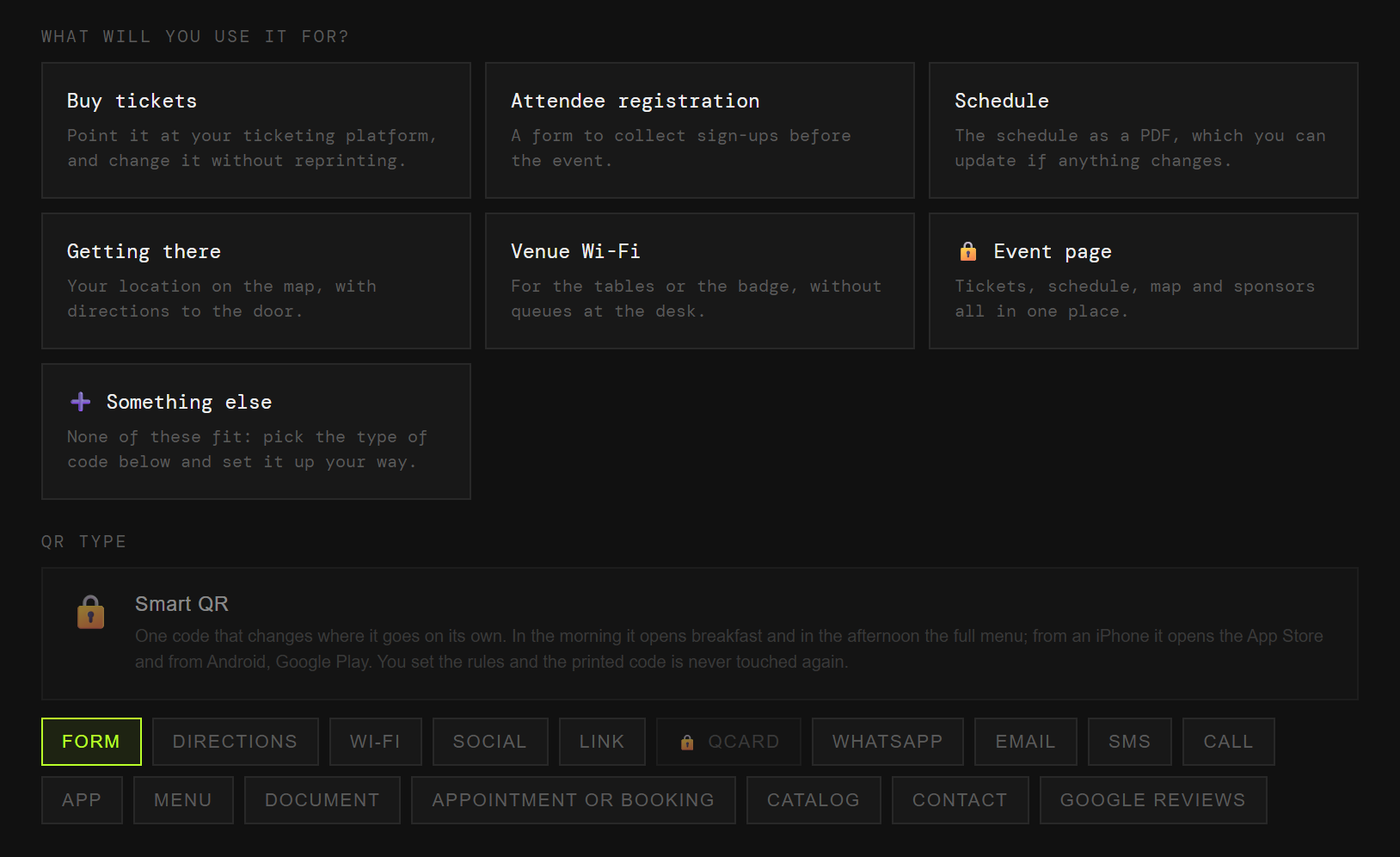
On the poster, on the badge, on the door of each room. Each one with its own code and its own numbers.
From the poster to the checkout, without typing an address by hand.
The badge form, before the queue at the entrance.
Times and rooms. A speaker drops out and you fix it without reprinting.
The map and the transport, which is question number one.
The phone offers to connect without going past the desk.
Everything together, for the poster that will be out there for a month.
At an event everything changes until the last day: times, rooms, speakers. With a plain code, every change leaves the posters already up quietly lying.
And you never learn how many people used it, because it does not pass through anywhere that could count.
The code points at QRlify and QRlify points wherever you say. Change the destination whenever you like and whatever you printed still works.
And because every scan passes through here, it can be counted.
How many scans, and from which poster. That tells you which part of the city brought people and which was money thrown away.
The day-by-day and per-campaign detail starts on the Starter plan. The scan count is on every plan.
Pick «Businesses and organisations» and then «Events and conferences». That is enough for us to know what to offer, so you never choose between eighteen types of code.
Tickets, registration, programme, directions, wifi or the event page. Each one arrives with its field ready.
Two colours and, on a paid plan, your logo in the middle. Black on white also works, and scans just as well.
PNG or SVG, at whatever size you need. From then on, anything that changes you change from the dashboard.
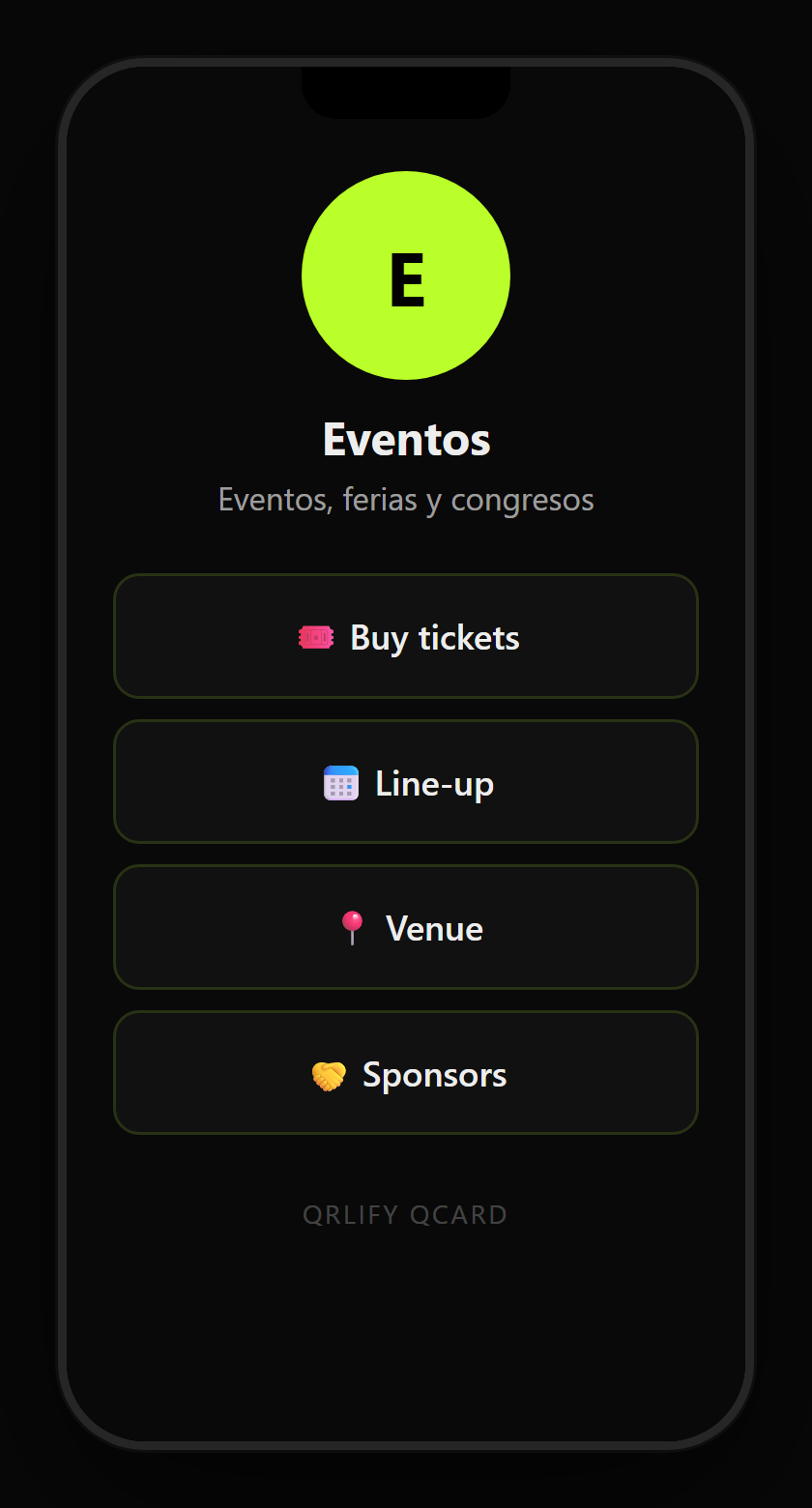
A QR code leads to one place. A QCard is a page of yours with several buttons: the tickets, the programme, how to get there, the wifi and the organiser’s contact.
You point a single code at that page and change the buttons whenever you like. Before the event it shows tickets; during, the programme; afterwards, the photos.
No credit card. Ready in thirty seconds.