My CV
Today’s version, even if the paper is three months old.
Esta página también está en español.
The CV you handed in back in March still leads to today’s version.
And it tells you whether it was opened, which is more than any job board will.

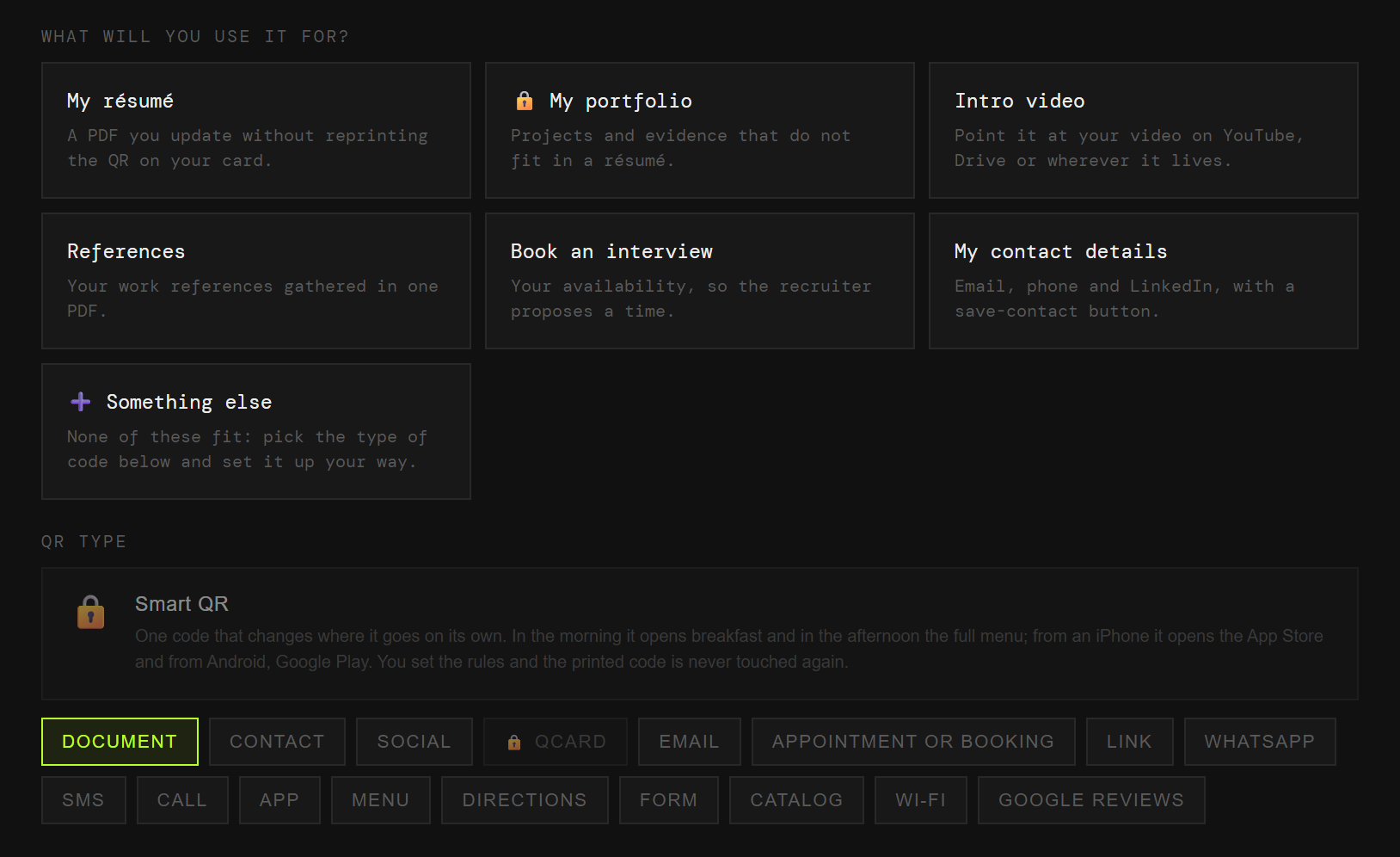
On the CV, on the cover letter, at the careers fair. Each one with its own code and its own numbers.
Today’s version, even if the paper is three months old.
The work you have done, which weighs more than the list of job titles.
Thirty seconds that a CV cannot give.
Who vouches for you, without attaching four PDFs.
Your availability, without the email chain.
Saved to their address book in one go.
You hand in your CV at a fair and a month later you change phone number or update your experience. With a plain code, that paper leads to the old version forever.
And you never learn how many people used it, because it does not pass through anywhere that could count.
The code points at QRlify and QRlify points wherever you say. Change the destination whenever you like and whatever you printed still works.
And because every scan passes through here, it can be counted.
Whether it was scanned, and when. You will not know who, but you will know whether your CV sat in a drawer or somebody opened it on Tuesday afternoon.
The day-by-day and per-campaign detail starts on the Starter plan. The scan count is on every plan.
Pick «Personal and professional» and then «Job hunting». That is enough for us to know what to offer, so you never choose between eighteen types of code.
CV, portfolio, video, references, interview or contact. Each one arrives with its field ready.
Two colours and, on a paid plan, your logo in the middle. Black on white also works, and scans just as well.
PNG or SVG, at whatever size you need. From then on, anything that changes you change from the dashboard.
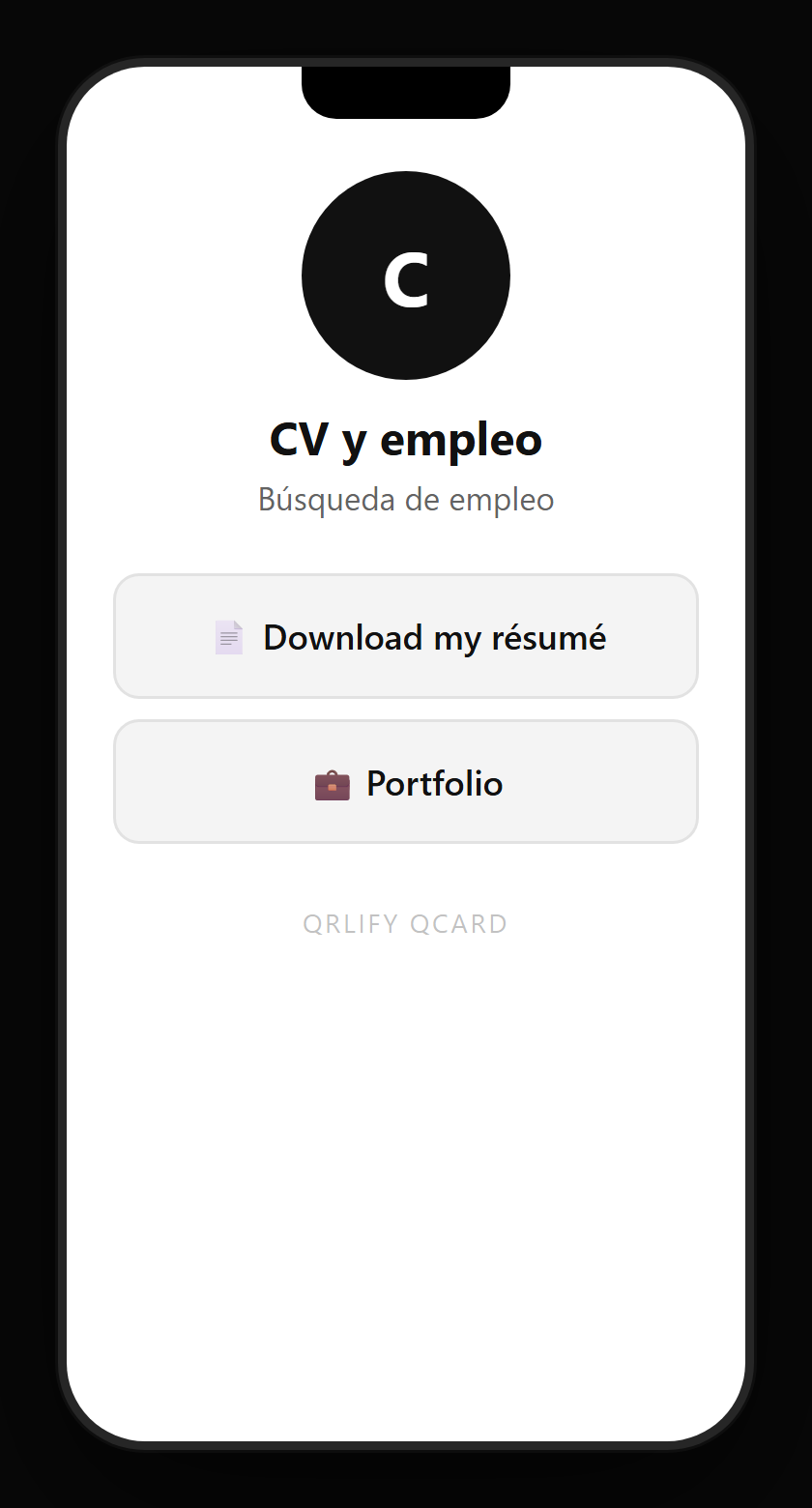
A QR code leads to one place. A QCard is a page of yours with several buttons: the CV, the portfolio, the video, LinkedIn and your contact.
You point a single code at that page and change the buttons whenever you like. A paper CV with a code like that stops being a dead document.
No credit card. Ready in thirty seconds.