My profile
What you do, your registration and your experience, on one page.
Esta página también está en español.
Booking, quote and payment, with nobody keeping your diary.
For solicitors, accountants, architects and trades who work on their own.

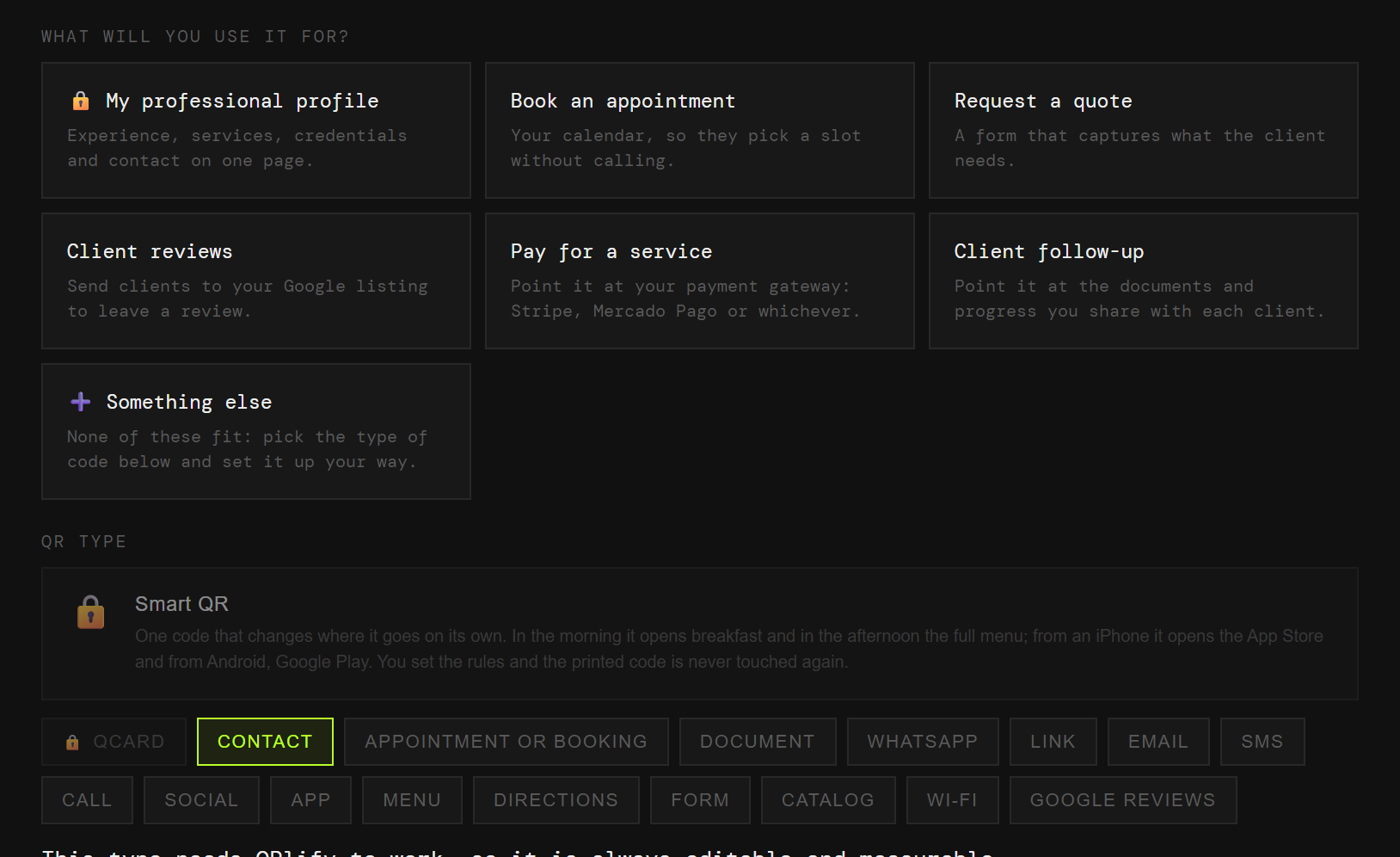
On the card, on the quote, on the van. Each one with its own code and its own numbers.
What you do, your registration and your experience, on one page.
Your calendar, without returning calls between jobs.
A form with the details you always have to ask for twice.
The proof that the job was done well.
The payment link, without reading out an account number over the phone.
Where their case stands, without a call to ask.
You change number, bank or scheduling tool, and the code on the van and the cards leads to something you no longer use.
And you never learn how many people used it, because it does not pass through anywhere that could count.
The code points at QRlify and QRlify points wherever you say. Change the destination whenever you like and whatever you printed still works.
And because every scan passes through here, it can be counted.
How many scans, and when. That shows whether the signage on the van brings work, or whether what works is the code on the quote.
The day-by-day and per-campaign detail starts on the Starter plan. The scan count is on every plan.
Pick «Personal and professional» and then «Self-employed professional». That is enough for us to know what to offer, so you never choose between eighteen types of code.
Profile, bookings, quote, reviews, payment or follow-up. Each one arrives with its field ready.
Two colours and, on a paid plan, your logo in the middle. Black on white also works, and scans just as well.
PNG or SVG, at whatever size you need. From then on, anything that changes you change from the dashboard.
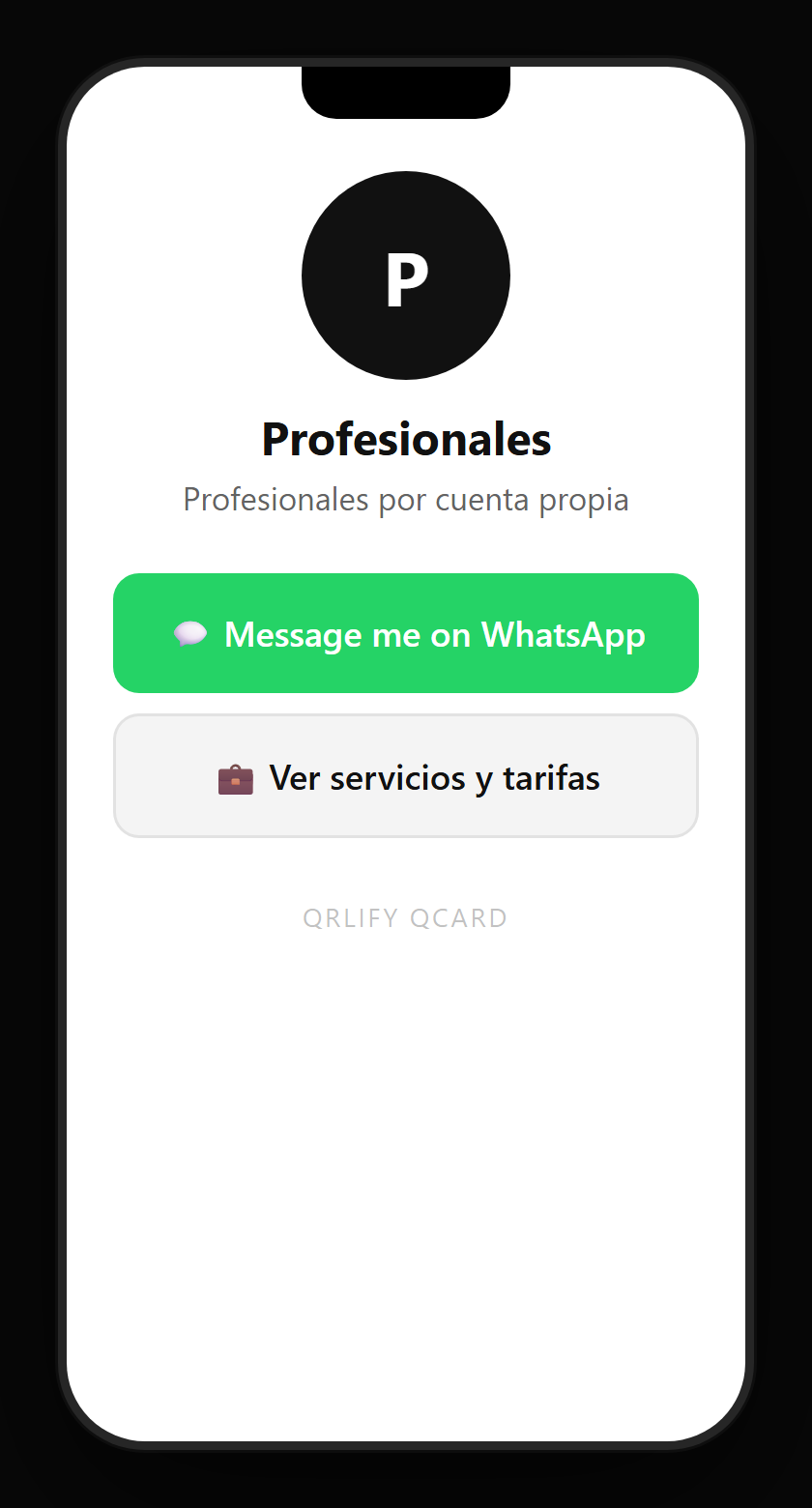
A QR code leads to one place. A QCard is a page of yours with several buttons: booking, the quote, the payment, the reviews and your WhatsApp.
You point a single code at that page and change the buttons whenever you like. It is having a website without maintaining a website.
No credit card. Ready in thirty seconds.