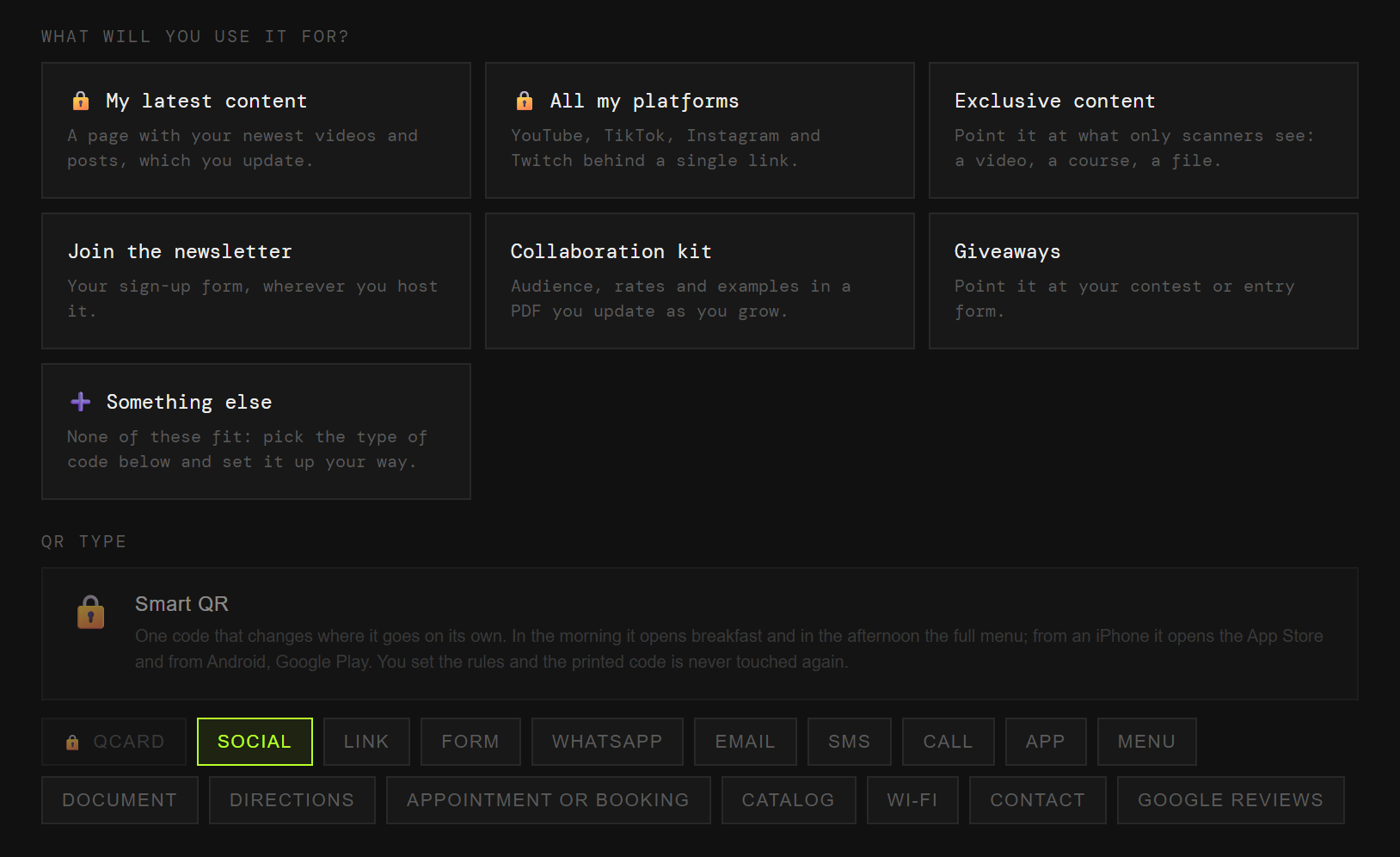
My recent content
The latest thing you posted, without re-editing a video from last year.
Esta página también está en español.
A code on screen does the job of "link in bio".
And what is behind it you change per video, without filming anything again.

On screen, on merch, in a printed description. Each one with its own code and its own numbers.
The latest thing you posted, without re-editing a video from last year.
One page with every channel, not just the one for this app.
What is not public, behind a code you hand out yourself.
The list is yours; the followers are on loan from the platform.
Numbers and terms, so you stop repeating them in every DM.
Entries without asking people to type an address off the screen.
A plain code is baked into the video with that day’s destination. Change platform or finish the giveaway and that video leads to a dead page forever.
And you never learn how many people used it, because it does not pass through anywhere that could count.
The code points at QRlify and QRlify points wherever you say. Change the destination whenever you like and whatever you printed still works.
And because every scan passes through here, it can be counted.
How many scan, and from where. That tells you whether an on-screen code works better in the first minute or at the end — something no platform will tell you.
The day-by-day and per-campaign detail starts on the Starter plan. The scan count is on every plan.
Pick «Personal and professional» and then «Content creator». That is enough for us to know what to offer, so you never choose between eighteen types of code.
Recent content, platforms, members-only, newsletter, kit or giveaways. Each one arrives with its field ready.
Two colours and, on a paid plan, your logo in the middle. Black on white also works, and scans just as well.
PNG or SVG, at whatever size you need. From then on, anything that changes you change from the dashboard.
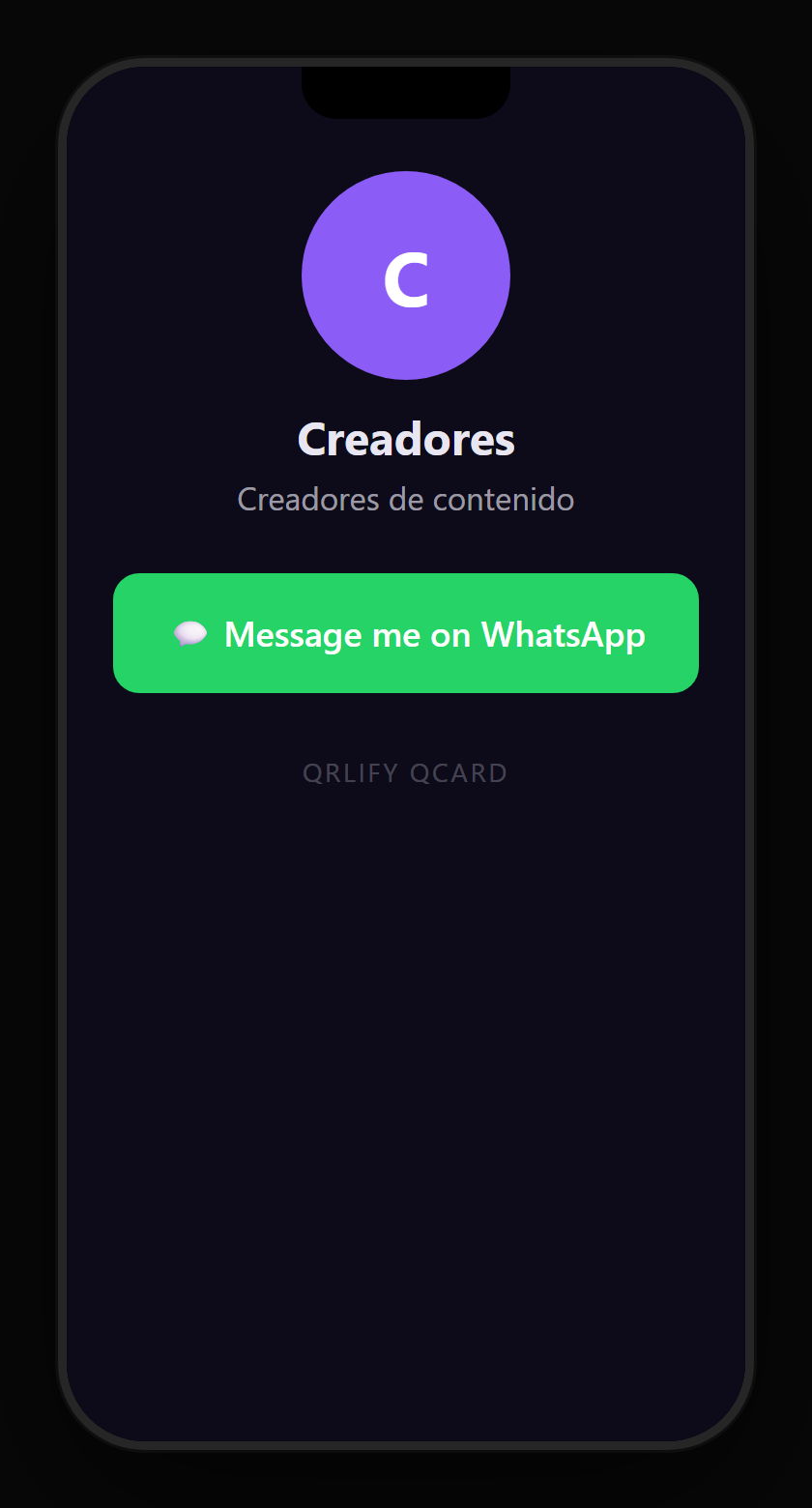
A QR code leads to one place. A QCard is a page of yours that gathers every channel, the newsletter, the latest video and the collaborations.
You point a single code at that page and change the buttons whenever you like. A video from a year ago still leads to what you posted yesterday.
No credit card. Ready in thirty seconds.