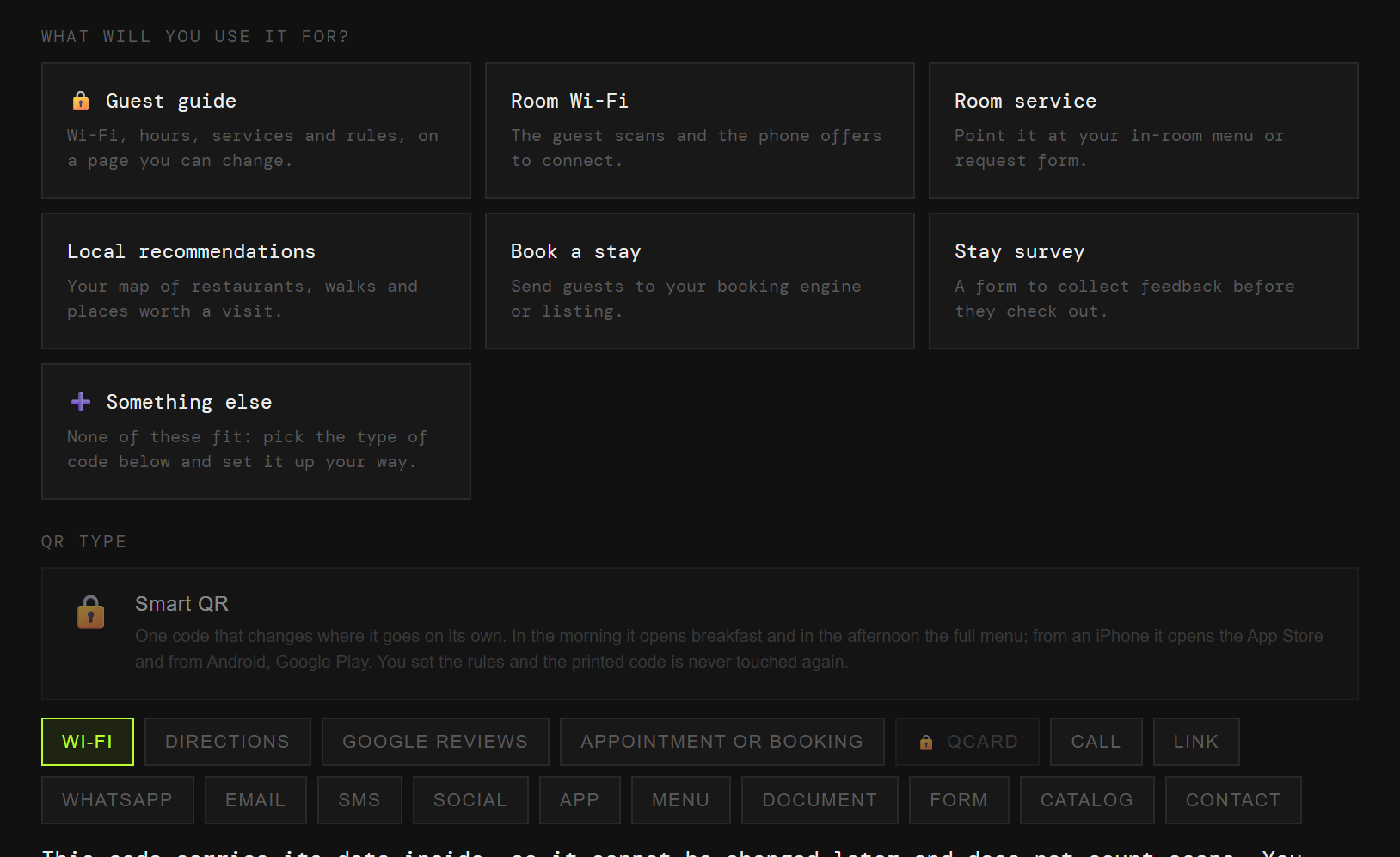
Guest guide
Wifi, hours, services and house rules, on a page you update yourself.
Esta página también está en español.
The folder on the bedside table ages. A code does not.
Wifi, hours, service and recommendations, on a page you change when the hotel changes.

On the bedside table, on the bathroom mirror, at reception. Each one with its own code and its own numbers.
Wifi, hours, services and house rules, on a page you update yourself.
The guest scans and the phone offers to connect.
Point it at your menu or your room order form.
Your map, with the places that are actually worth it.
Straight to your booking engine, or to your listing on whichever portal you use.
You collect the opinion before they leave, not after the review.
You change the wifi password, the breakfast hours or the restaurant you recommend, and the hundred folders in the hundred rooms are all quietly lying.
And you never learn how many people used it, because it does not pass through anywhere that could count.
The code points at QRlify and QRlify points wherever you say. Change the destination whenever you like and whatever you printed still works.
And because every scan passes through here, it can be counted.
How many scans, and at what point in the stay. That shows whether anyone uses the guide on the bedside table, or whether the sign in the lift works better.
The day-by-day and per-campaign detail starts on the Starter plan. The scan count is on every plan.
Pick «Businesses and organisations» and then «Hotels and accommodation». That is enough for us to know what to offer, so you never choose between eighteen types of code.
Guide, wifi, room service, recommendations, bookings or the survey. Each one arrives with its field ready.
Two colours and, on a paid plan, your logo in the middle. Black on white also works, and scans just as well.
PNG or SVG, at whatever size you need. From then on, anything that changes you change from the dashboard.
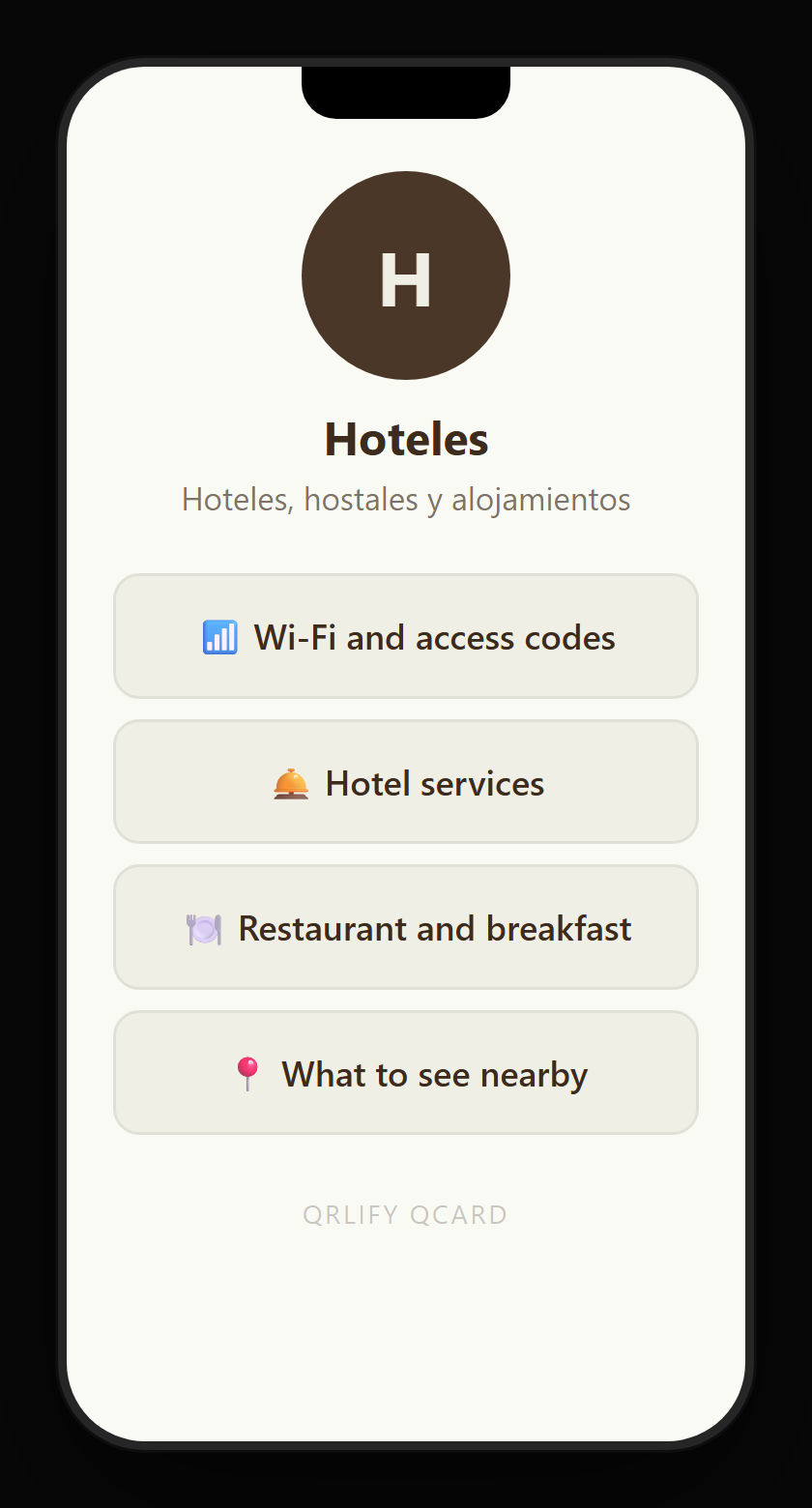
A QR code leads to one place. A QCard is a page of yours with several buttons: the wifi, the hours, room service, the recommendations and reception’s WhatsApp.
You point a single code at that page and change the buttons whenever you like. A seasonal menu, the lift being out, the new pool hours: in and out on their own.
No credit card. Ready in thirty seconds.