My project
What you do, on one page, before having a domain and a website.
Esta página también está en español.
Before building the website, a code and a page.
If nobody scans it, you have just saved yourself three months of development.

On the market stall, on the card at an event, on the flyer. Each one with its own code and its own numbers.
What you do, on one page, before having a domain and a website.
What you sell, without building a shop yet.
A waiting list. It is the cheapest asset you will ever build.
A form that tells you whether this matters to anyone.
The material, in a link you can change between meetings.
Let your first customers bring you the next ones.
A project that is starting changes name, website and pitch three times in six months. With a plain code, every change throws away what is printed.
And you never learn how many people used it, because it does not pass through anywhere that could count.
The code points at QRlify and QRlify points wherever you say. Change the destination whenever you like and whatever you printed still works.
And because every scan passes through here, it can be counted.
How many scans, and where. To validate an idea, that figure is worth more than twenty opinions from people you know.
The day-by-day and per-campaign detail starts on the Starter plan. The scan count is on every plan.
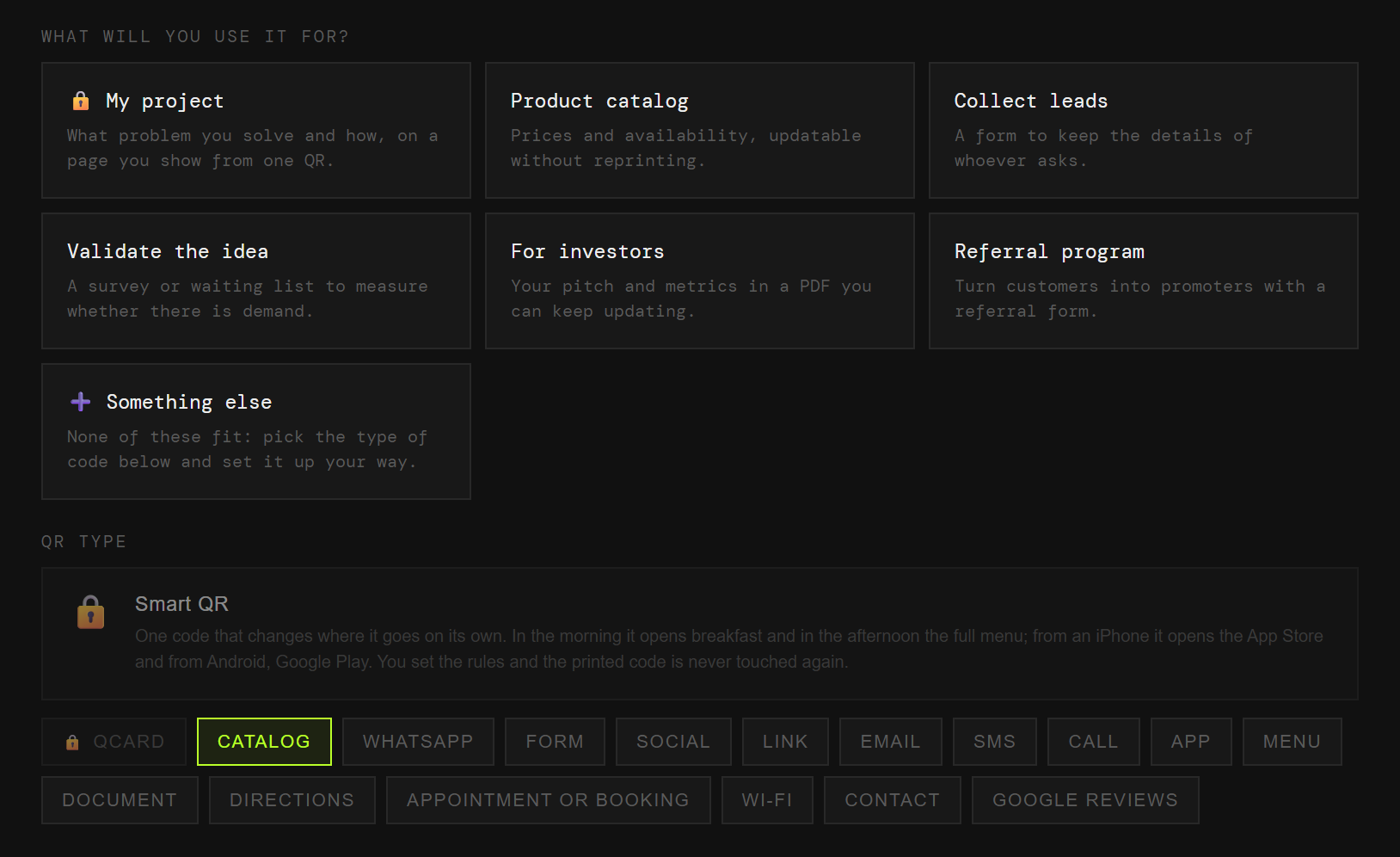
Pick «Personal and professional» and then «Entrepreneur». That is enough for us to know what to offer, so you never choose between eighteen types of code.
Project, catalogue, interest, validation, investors or referrals. Each one arrives with its field ready.
Two colours and, on a paid plan, your logo in the middle. Black on white also works, and scans just as well.
PNG or SVG, at whatever size you need. From then on, anything that changes you change from the dashboard.
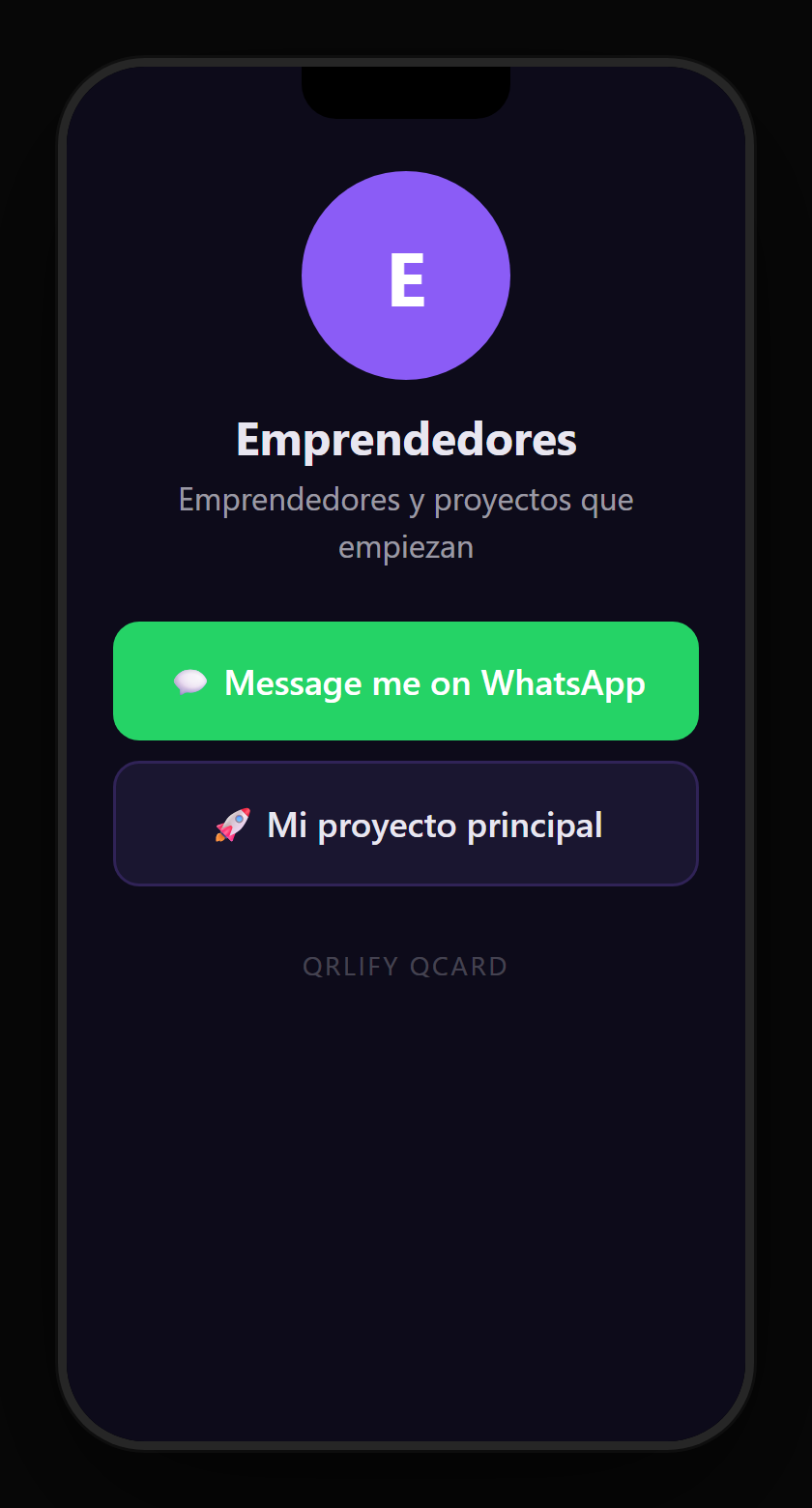
A QR code leads to one place. A QCard is a page of yours with several buttons: the project, the catalogue, the waiting list and your WhatsApp.
You point a single code at that page and change the buttons whenever you like. It is the website you need while you decide whether you will need a website.
No credit card. Ready in thirty seconds.