Esta página también está en español.

Instagram

Instagram QR code

Type your username and that is it. No account, nothing to pay.

And if you ever change handle, you change the destination instead of reprinting.

QR code that opens the QRlify generator
Scan it — it is a real one
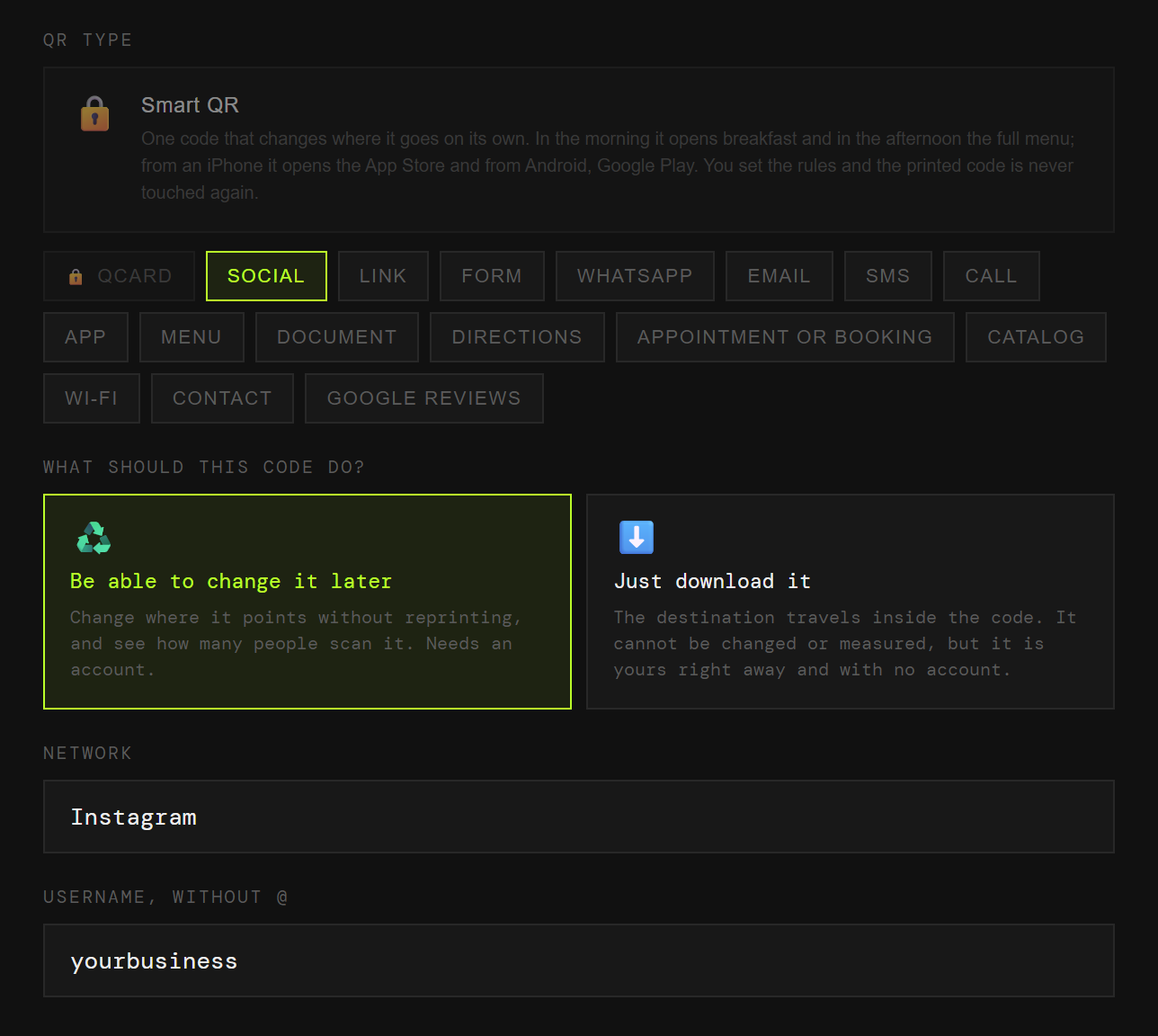
The QRlify generator with the Social type picked, Instagram selected and the username field filled in
Two fields: the network and your username. The generator builds the link.
What almost nobody explains

Instagram already gives you a code. Why another?

Because theirs only works inside their app, and yours has to work out in the street.

Instagram’s own code

It lives inside the app

The Instagram camera reads it. Anyone without the app installed, or using their phone’s normal camera, is left looking at a pattern that does nothing.

And you never learn how many people used it, because it does not pass through anywhere that could count.

An ordinary QR code

Any camera reads it

It works from the stock camera on any phone, Instagram installed or not. Which is exactly what a shop window, a card or a box needs.

And if you make it dynamic, every scan gets counted.

Where to put it

Six places where it works

They all have one thing in common: you cannot tap a link there.

01

The shop window

Someone walks past, scans, follows you. Without searching your name and landing on another account.

02

The parcel box

Opening it is when the customer is at their most willing.

03

A business card

More use than a written handle, which has to be typed without a mistake.

04

On screen, during a video

They scan it with a second phone without pausing what they are watching.

05

A trade show stand

A big code saves the whole "how do I find you?" conversation.

06

An event poster

And when it is over, the same poster can lead somewhere else if it is dynamic.

How it is done

One minute, two fields

You pick «Social»

Among the code types. Instagram is the first option, so there is nothing to hunt for.

You type your username

Without the at sign. The generator builds the link itself: instagram.com/yourusername. Nothing to copy from the address bar.

You give it your colours

Two colours and, on a paid plan, your logo in the middle. Black on white also works, and in fact scans better.

You download it

PNG for screens, SVG to print at any size without it looking pixelated.

A page, not a link

If it is not only Instagram, use a QCard

Almost nobody has just one network. A QCard is a page of yours that gathers several buttons: Instagram, TikTok, YouTube, WhatsApp and whatever you sell.

You point a single code at that page and change the buttons whenever you like. The poster you printed in March still leads to what you posted yesterday.
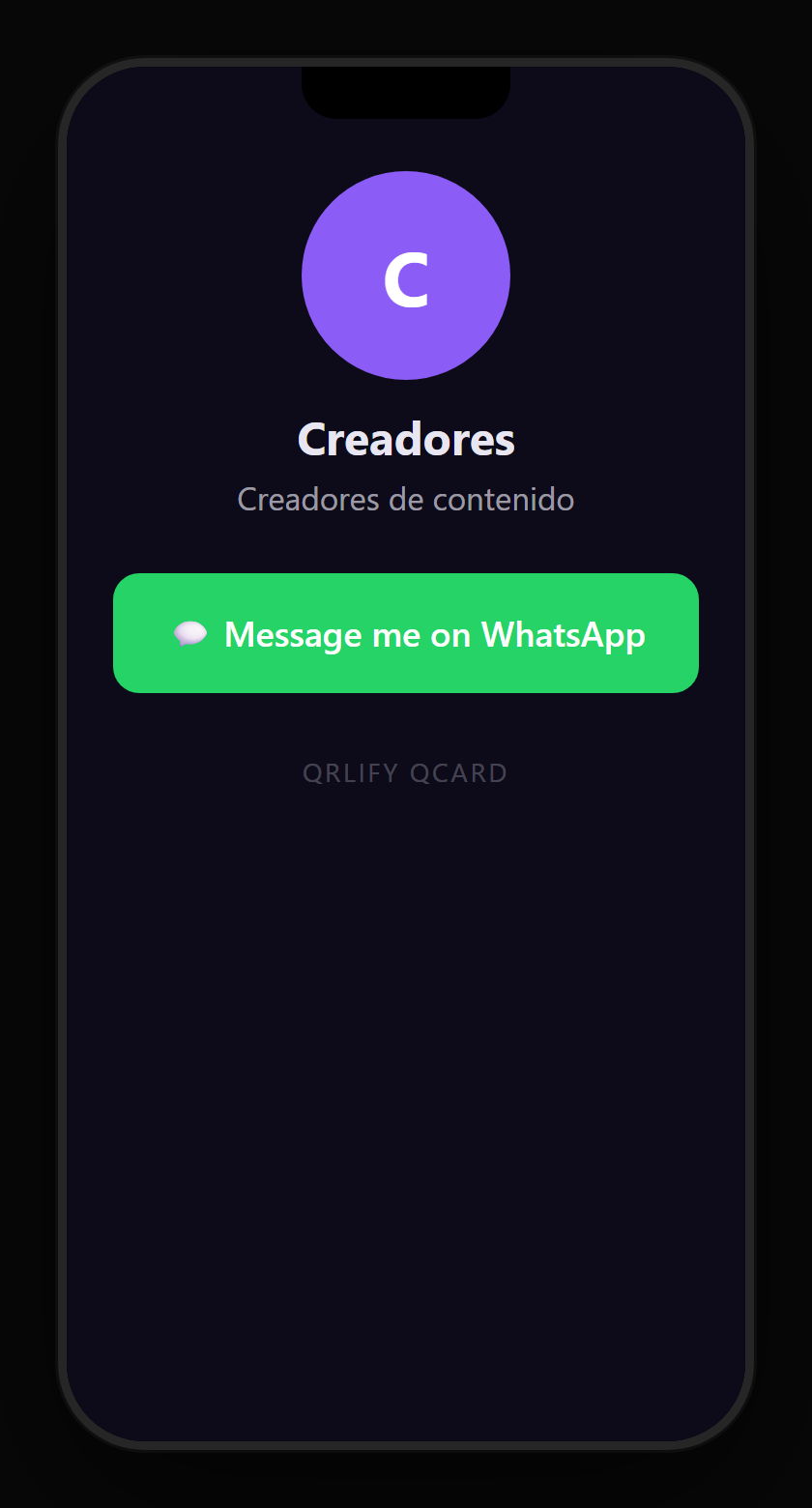
A content creator QCard on a phone: name, description and buttons to Instagram, TikTok, YouTube and the newsletter
Questions

What people usually ask

Yes. Making and downloading a static code for your Instagram is free, unlimited and needs no account. The account is only needed if you want to change the destination later or see how many people scan it.
Instagram’s own code is read by the Instagram camera and cannot be measured. This one is read by any camera, works for people who do not have the app installed, and if it is dynamic you can change where it leads and count the scans.
With a static code it stops working: the username is written inside the code itself. With a dynamic one you change the destination from the dashboard and everything you already printed keeps working. If there is any chance you will rename, make it dynamic before sending anything to the printer.
With a dynamic code, yes: every scan is recorded. It is the only way to know whether the window sign or the flyer brings followers, because Instagram will not tell you where they came from.
Yes: your profile opens in the browser. They will see your content and can install the app or follow you afterwards. With Instagram’s own code that does not happen.
Two and a half centimetres a side is the sensible minimum for scanning up close. For a window or a poster, reckon on about ten centimetres for every metre of distance. Use the SVG: it scales without losing definition.

Your handle, in a code anyone can read.

No credit card. Ready in thirty seconds.

Also useful