Stay with them
If you need analytics down to operating system, deep integrations or the paperwork a large organisation asks for, they have been doing this far longer and it shows.
Esta página también está en español.
An honest comparison. Where they win, we say so.
Because a comparison that wins every row is not a comparison, it is an advert.

Where a competitor’s plans change every season, we say to check them rather than guess on your behalf.
| What | QR Code Generator | QRlify |
|---|---|---|
| Dynamic codes you can edit | Yes, on paid plans | From the free plan, one code |
| Static codes | Yes, free | Free and unlimited |
| Scan analytics | More granular than ours, including OS breakdowns | City, device and date, from Starter |
| A link page included | Check their current plans | QCard, from the free plan |
| Interface in Spanish | Check their language options | Native, not translated |
| Interface in English | Yes | Yes |
| Years on the market | Far more than us | We are the newcomer |
| Price | Check their pricing page | See our plans |
If you need analytics down to operating system, deep integrations or the paperwork a large organisation asks for, they have been doing this far longer and it shows.
If you want a dynamic code without paying from day one, a link page included, and an interface that was written in Spanish rather than run through a translator.
Nothing stops you. Make a code here on the free plan, put it next to one of theirs, and keep whichever you actually end up opening.
A dynamic code points at the provider’s domain. Whatever you have already printed keeps pointing at theirs, and no provider can change that — not them, not us.
So anything printed stays where it is until you reprint it.
Keep the old codes alive while they still matter and make the new ones here. Nobody needs to switch everything on one afternoon.
And whatever you print from now on will be editable without paying first.
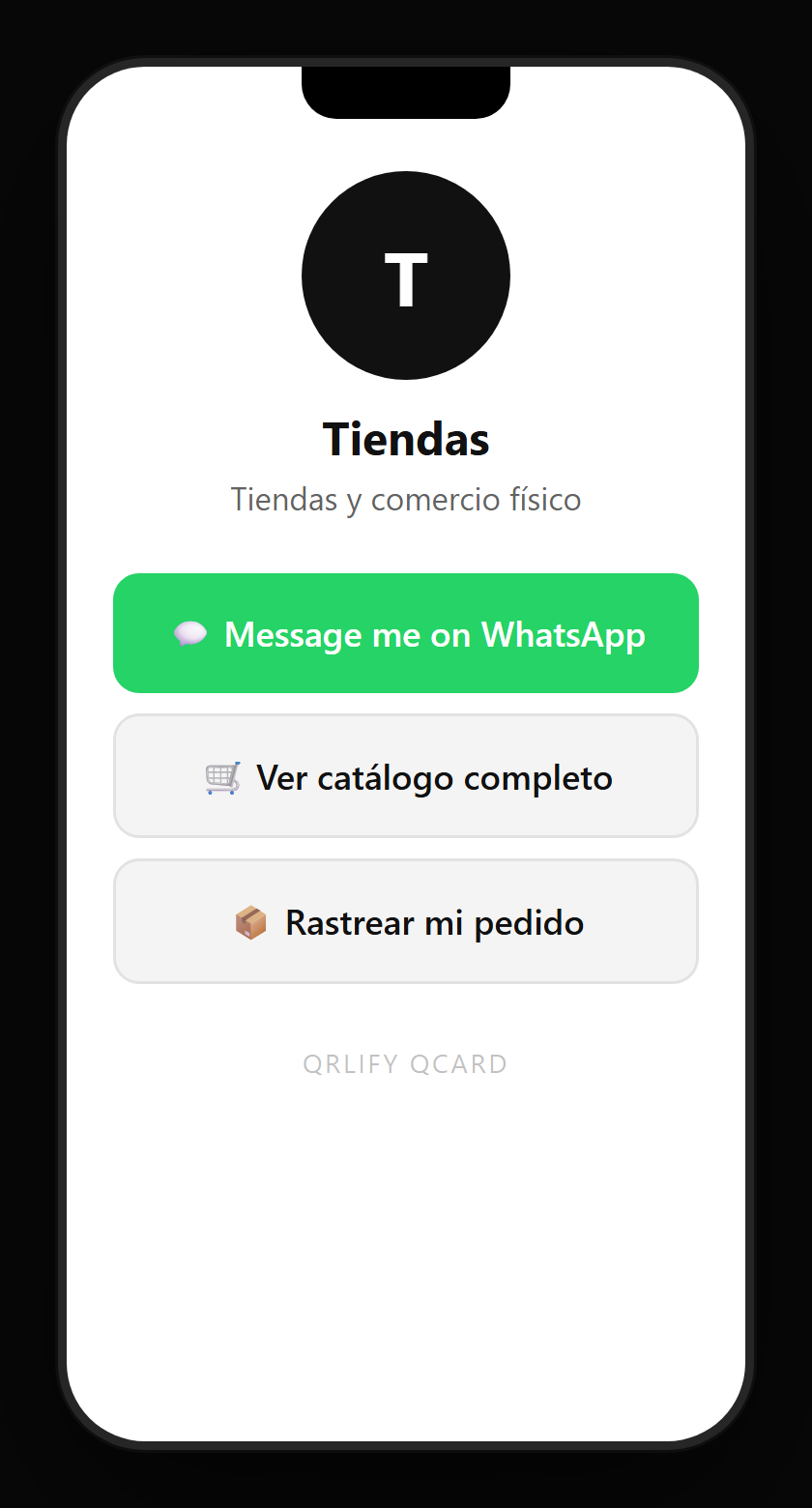
The QCard is your link page: a name, a description and whatever buttons you want — Instagram, WhatsApp, the shop, the menu.
And the code pointing at it gets printed wherever you need. You change the buttons whenever you like and what is printed still holds.
No credit card. Ready in thirty seconds.